


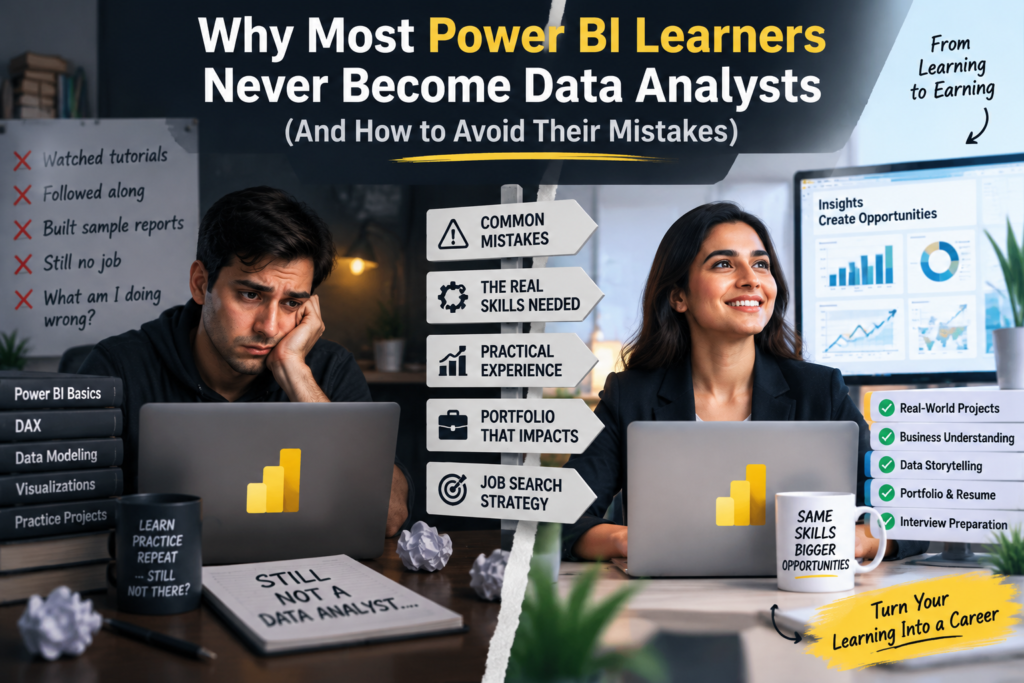
Thousands of people finish a Power BI course every year in Australia. Most of them never land a data analyst job. This isn’t because Power BI is the wrong tool, it’s the most requested BI tool in the country, but because power bi learners never become data analysts at a surprisingly consistent rate, and it’s almost always for the same avoidable reasons.
Thank you for reading this post, don't forget to subscribe!If you’ve finished a course, built a few dashboards following along with a tutorial, and still haven’t landed an interview, this article breaks down exactly where most learners get stuck, and the specific fixes that move you from “took a course” to “hired as a data analyst.”
The Gap Between Learning Power BI and Becoming a Data Analyst
Learning Power BI teaches you how a tool works. Becoming a data analyst requires you to demonstrate judgement: which data to trust, how to model it correctly, what question a stakeholder is really asking, and how to communicate an answer clearly. Courses are designed to teach the first set of skills efficiently. They rarely force you to practise the second set, which is exactly where most learners quietly stall out.
7 Reasons Power BI Learners Never Become Data Analysts
1. They Never Leave “Tutorial Mode”
Following along with a course instructor is comfortable. Building something from a messy, real dataset with no instructions is uncomfortable, and it’s also the exact skill employers are testing for. Learners who only ever replicate tutorials never build the problem-solving instinct that separates a course-taker from a hireable analyst.
The fix: pick a real, messy public dataset with no accompanying tutorial and build a dashboard entirely from your own decisions, including the mistakes.
2. They Skip SQL Entirely
Power BI courses often start with a clean CSV or Excel file already prepared. Real jobs start with a database. Employers consistently list SQL as a core, not optional, skill for data analyst roles, and skipping it is one of the most common reasons technically decent Power BI learners get filtered out at the resume stage.
The fix: learn enough SQL to query, join, and filter data directly, and practise connecting Power BI to a real database instead of only importing spreadsheets.
3. They Chase Visuals Over Data Modelling
It’s tempting to spend hours perfecting chart colours and layouts. Employers care far more about whether your underlying data model is built correctly, star schema, proper relationships, clean DAX, because a beautiful dashboard built on a broken model gives wrong answers confidently.
The fix: deliberately practise building data models from multiple related tables before worrying about visual polish.
4. They Have No Portfolio to Show
Certificates of completion don’t demonstrate capability on their own. Without 2-3 real, explainable dashboard projects to walk through, learners have nothing concrete to show in an interview beyond “I took a course,” which is the weakest possible signal in a competitive applicant pool.
The fix: build a small portfolio of 2-3 projects using real or realistic datasets, and be ready to explain every decision you made, not just the finished dashboard.
5. They Wait Until They Feel “Ready”
Many learners keep adding more courses, more certificates, more practice projects, convinced they need to be fully ready before applying. In reality, most hired analysts started applying while still visibly underqualified on paper, and learned the remaining 20% on the job.
The fix: start applying once you have core Power BI skills, one real project, and basic SQL, rather than waiting for a feeling of readiness that rarely arrives on its own.
6. They Treat Power BI as the Career, Not the Tool
Power BI is a tool inside the data analyst career, not the career itself. Learners who only ever describe themselves as “a Power BI person” get filtered into support-level roles, while employers are hiring for analysts who can reason about business problems and choose the right tool for the job.
The fix: learn to describe your work in terms of the business question you answered, with Power BI as the method, not the headline.
7. They Can’t Explain the “So What”
A dashboard that shows numbers without a clear takeaway doesn’t demonstrate analyst thinking. Interviewers consistently probe for this: “what would you tell a manager based on this chart?” Learners who’ve only practised building visuals, not interpreting them, often freeze on this exact question.
The fix: for every project you build, write one paragraph explaining what a business decision-maker should actually do based on what you found.
Learner Mindset vs Data Analyst Mindset
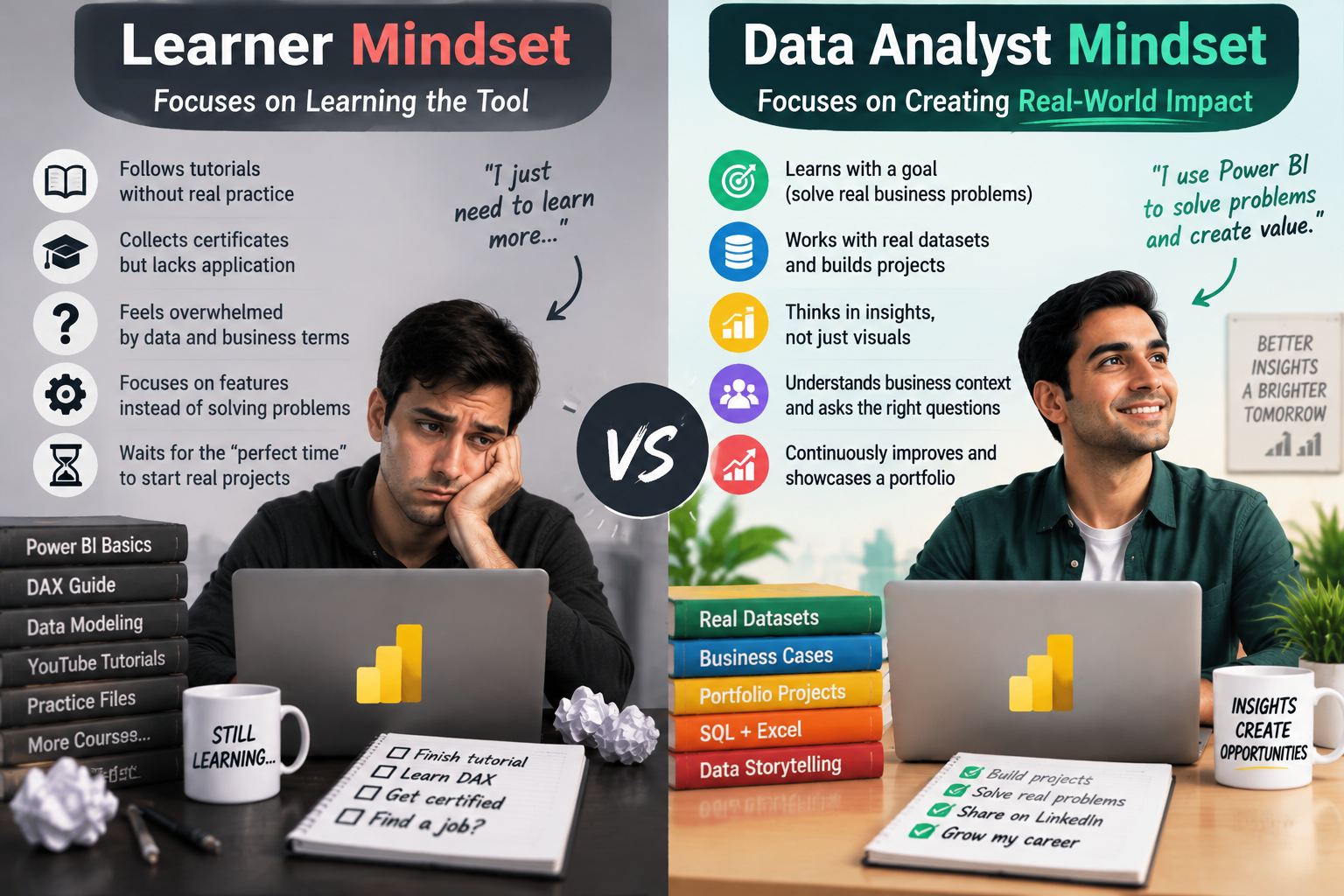
| Power BI Learner Mindset | Data Analyst Mindset |
| Follows tutorials step by step | Builds from messy, undefined problems |
| Imports clean, pre-prepared files | Queries and joins data directly with SQL |
| Prioritises visual polish | Prioritises a correct, well-structured data model |
| Collects certificates of completion | Builds a portfolio of explainable real projects |
| Waits to feel fully ready | Applies early and learns the remaining gap on the job |
| Describes self as “a Power BI person” | Describes work in terms of business questions answered |
| Shows a finished dashboard | Explains the “so what” behind every chart |
A Practical Roadmap From Power BI Learner to Data Analyst
- Audit your current stage honestly. Check yourself against the table above to see which of the seven mistakes is actually holding you back.
- Build one project with no tutorial. Choose a real dataset, define your own questions, and make every modelling decision yourself.
- Add baseline SQL. Even basic SELECT, JOIN, and WHERE fluency removes one of the most common resume filters.
- Package a 2-3 project portfolio. Keep it small but be able to explain the data source, modelling choices, and business takeaway for each one.
- Start applying before you feel ready. Target junior or graduate data analyst roles once the fundamentals above are in place, not once you feel expert-level.
Certifications That Help Close These Gaps
- Microsoft PL-300 (Power BI Data Analyst) validates real data modelling and DAX ability, not just visual building.
- A structured data analytics fundamentals course builds the SQL and analytical reasoning courses focused purely on Power BI often skip.
- A project-based or capstone-style course forces the “no tutorial” practice that most self-paced learners skip on their own.
For the deeper skills breakdown, see our guides on Power BI Skills Employers Want in 2027 and Power BI Certifications vs Real Dashboard Experience: What Employers Value More in 2027?. If you’re ready to map the full career pathway, read Power BI Career Opportunities in Australia: Roles, Skills and Salaries for 2026.
Structured, project-based Power BI training is available through powerbicourse.au, with the broader data analyst pathway, including SQL fundamentals, covered at dataanalyticscourses.au. Both are delivered through Logitrain, Australia’s IT training provider.
Where This Gap Shows Up Across Australia
This exact pattern, strong Power BI course completion but few learners actually landing analyst roles, plays out consistently across the major Australian job markets:
- Sydney — high course completion volume but strong competition for junior analyst roles.
- Melbourne — employers increasingly screening for SQL and portfolio evidence, not certificates alone.
- Brisbane — growing junior analyst demand rewarding candidates with real project experience.
- Perth — resources sector employers favouring candidates who can model, not just visualise, data.
- Adelaide — government and defence-aligned roles valuing demonstrated analytical reasoning.
- Canberra — federal roles consistently probing for the “so what” behind a candidate’s dashboard.
Frequently Asked Questions
Why do most Power BI learners never become data analysts?
Most stall in “tutorial mode”: they can follow instructions to build a dashboard but haven’t practised the SQL, data modelling, and business reasoning skills employers actually test for.
Is a Power BI certificate enough to get a data analyst job?
Rarely on its own. Certificates prove course completion, but employers look for a portfolio of real, explainable projects and baseline SQL skills alongside it.
Do I need to learn SQL if I already know Power BI?
Yes. SQL is one of the most consistently requested skills in Australian data analyst job ads, and skipping it is one of the most common reasons Power BI learners get filtered out early.
How many portfolio projects do I need to get hired?
Two to three well-explained, real-data projects are generally enough, provided you can clearly walk through the data source, modelling decisions, and business takeaway for each.
Should I keep taking courses until I feel ready to apply?
No. Most hired analysts started applying while still visibly underqualified on paper and closed the remaining gap on the job. Waiting for a feeling of full readiness usually just delays applying.
Final Thoughts
Power BI is not the reason most learners never become data analysts, the seven mistakes above are. Leave tutorial mode, add SQL, build a real portfolio, and apply before you feel fully ready, and the same Power BI skills that stalled in a course folder become the foundation of an actual data analyst career.