


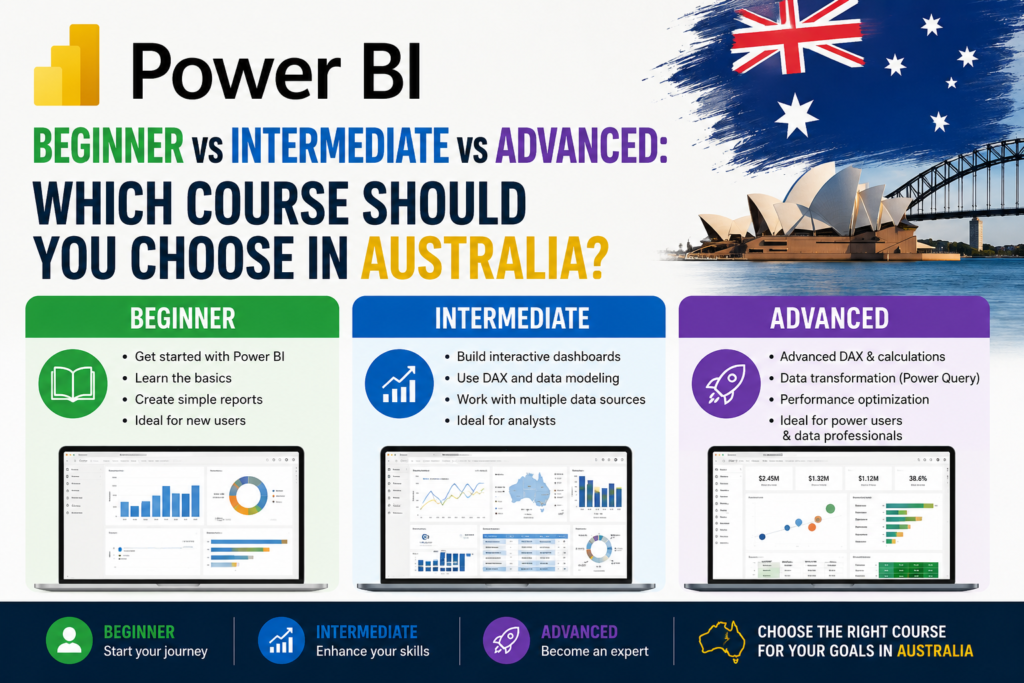
Looking for the right Power BI course in Australia but not sure whether you need Beginner, Intermediate, Advanced, or straight into PL-300 certification? This guide compares each option side by side, as part of a broader data analytics course in Australia pathway, so you can match your training to your actual goals with study available online and across Melbourne and Sydney.
Thank you for reading this post, don't forget to subscribe!Why Power BI Skills Matter in Australia
Power BI has become the default reporting tool across Australian banking, government, healthcare, and retail organisations. A scan of Power BI job listings on Seek shows steady demand for data analyst, reporting analyst, and BI-focused roles nationwide, frequently paired with SQL and Excel requirements as part of a broader data analytics skill set.
Quick Comparison: Beginner vs Intermediate vs Advanced Power BI
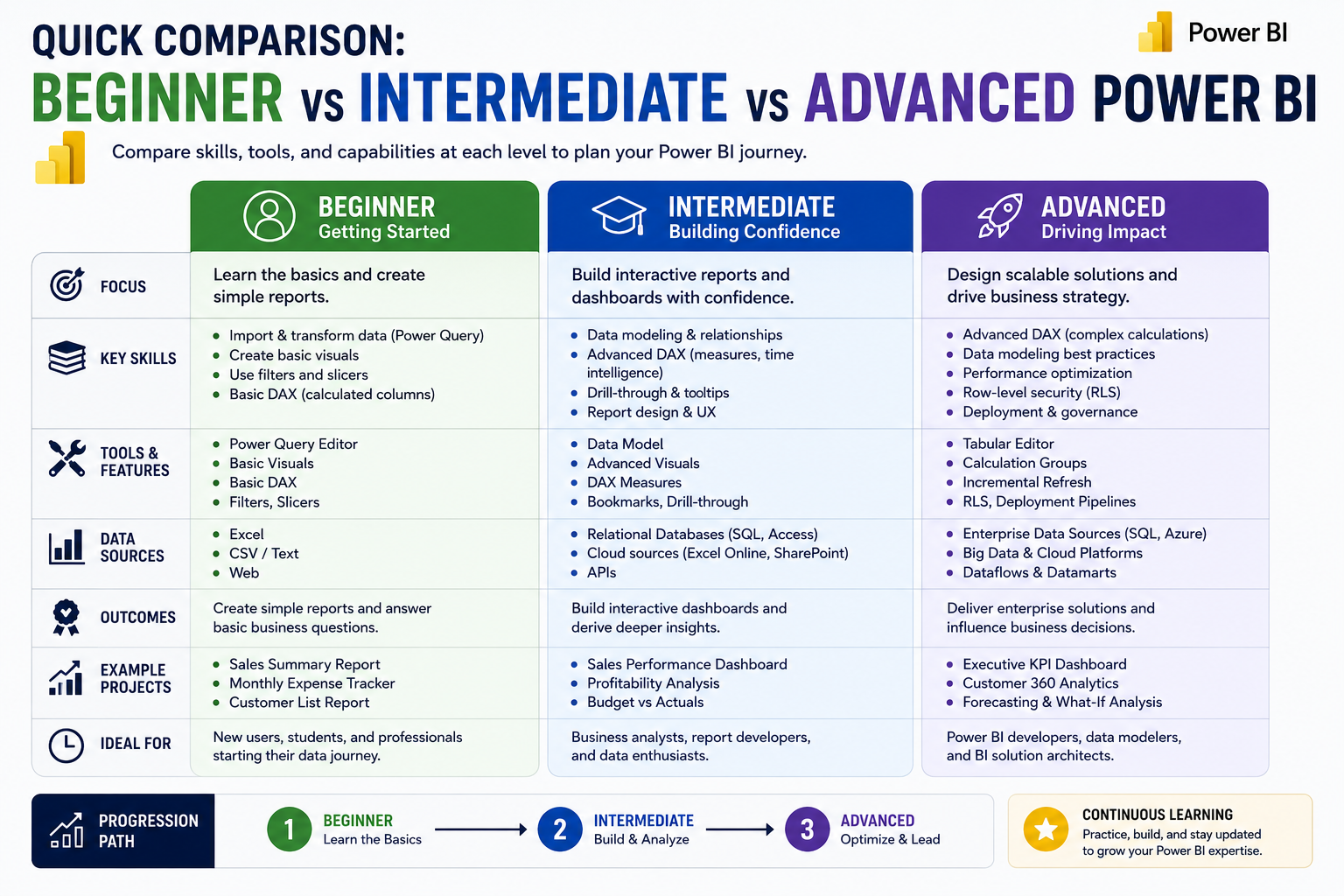
| Level | Core Skills | Best For |
| Beginner | Connecting data, basic dashboards, simple visuals | New Power BI users, business users |
| Intermediate | DAX measures, data modelling, drill-through reports | Regular reporting and data analyst roles |
| Advanced | Complex DAX, enterprise models, performance tuning | Power BI developers, senior BI analysts |
Choose Power BI Beginner If You Are New to Dashboards
Power BI Beginner suits anyone who has never built a dashboard before, including business users who just want basic self-service reporting. It covers connecting to data sources, cleaning data with Power Query, and building your first simple dashboard and charts.
Choose Power BI Intermediate If You Already Build Reports
Power BI Intermediate suits learners who’ve completed Beginner or already have basic dashboard-building experience. It covers DAX formulas, proper data modelling, drill-through reports, and row-level security the level most working data analysts and reporting professionals need day to day.
Choose Power BI Advanced If You Work with Complex Data Models
Power BI Advanced suits experienced users responsible for enterprise-scale dashboards. It covers complex DAX patterns, large data model design, dashboard performance optimisation, and advanced analytics features genuinely senior-level Power BI work.
Choose PL-300 If You Want Microsoft Power BI Certification
If you want a formal, employer-recognised credential rather than just the skills themselves, PL-300 (Microsoft Certified: Power BI Data Analyst Associate) validates your ability to prepare, model, visualise, and analyse data using Power BI. It sits roughly at Intermediate-to-Advanced skill level, and is worth pursuing once you’re confident with DAX and data modelling rather than as a beginner’s first step.
Which Power BI Course Should You Take First?
Beginner, in almost all cases, even if you’re already comfortable with Excel. Power BI’s interface and workflow differ enough from Excel that starting with the fundamentals connecting data, basic dashboards builds a cleaner foundation than jumping straight into DAX and data modelling.
Recommended Power BI Learning Pathway
- Step 1: Power BI Beginner — connecting data, basic dashboards and visuals
- Step 2: Power BI Intermediate — DAX measures, data modelling, report interactivity
- Step 3: Power BI Advanced — complex DAX, enterprise data models, performance tuning
- Step 4: PL-300 certification — formalise your skills once Intermediate-level concepts feel solid
As part of a broader data analytics course pathway in Australia, pairing this progression with SQL for data analysts gives you a genuinely complete, job-ready skill set.
Best Power BI Course Based on Your Job Role
- Business users and managers: Beginner is often enough for self-service reporting
- Data analysts and reporting analysts: Intermediate covers most day-to-day requirements
- Power BI developers and senior BI analysts: Advanced, often alongside PL-300
- Career changers targeting a formal credential: PL-300 once Intermediate skills are solid
Online vs In-Person Power BI Training in Australia
Online Power BI training in Australia offers flexibility to study around a full-time job, and covers the same practical skills as in-person courses. In-person training adds direct instructor access, which suits learners who prefer structured classroom accountability. Both formats work well provided the course includes hands-on labs rather than passive video content alone.
Power BI Training Locations in Australia
Power BI training is available live online Australia-wide, with local scheduling and support across Melbourne and Sydney two of Australia’s largest data analyst and business intelligence job markets, spanning banking, healthcare, retail, and government employers.
Frequently Asked Questions
Should I start with Power BI Beginner even if I know Excel?
Yes. Power BI’s workflow differs enough from Excel that starting with the fundamentals builds a cleaner foundation.
Is PL-300 the same as Power BI Advanced training?
Not exactly PL-300 is a certification exam, while Advanced training is a skills course. Most learners complete Intermediate-to-Advanced training before sitting PL-300.
Do I need SQL before learning Power BI?
Not for Beginner or Intermediate, but SQL becomes valuable at the Advanced level, since Power BI can connect directly to SQL databases.
What’s the best data analytics course for beginners in Australia?
A course that starts with Excel or Power BI fundamentals before progressing to SQL and more advanced dashboard-building skills.
How long does it take to go from Beginner to PL-300 ready?
Most learners need three to six months of consistent, part-time study to progress from Beginner through to PL-300 exam readiness.
Final Recommendation
- Choose Beginner if you are new to Power BI or dashboards generally.
- Choose Intermediate if you already build reports and want DAX and data modelling skills.
- Choose Advanced if your role involves enterprise-scale dashboards or complex data models.
- Choose PL-300 if you want a formal Microsoft certification once your skills are solid.
Ready to build job-ready Power BI skills?
Explore our Beginner, Intermediate and Advanced Power BI courses, available online and across major Australian cities.