


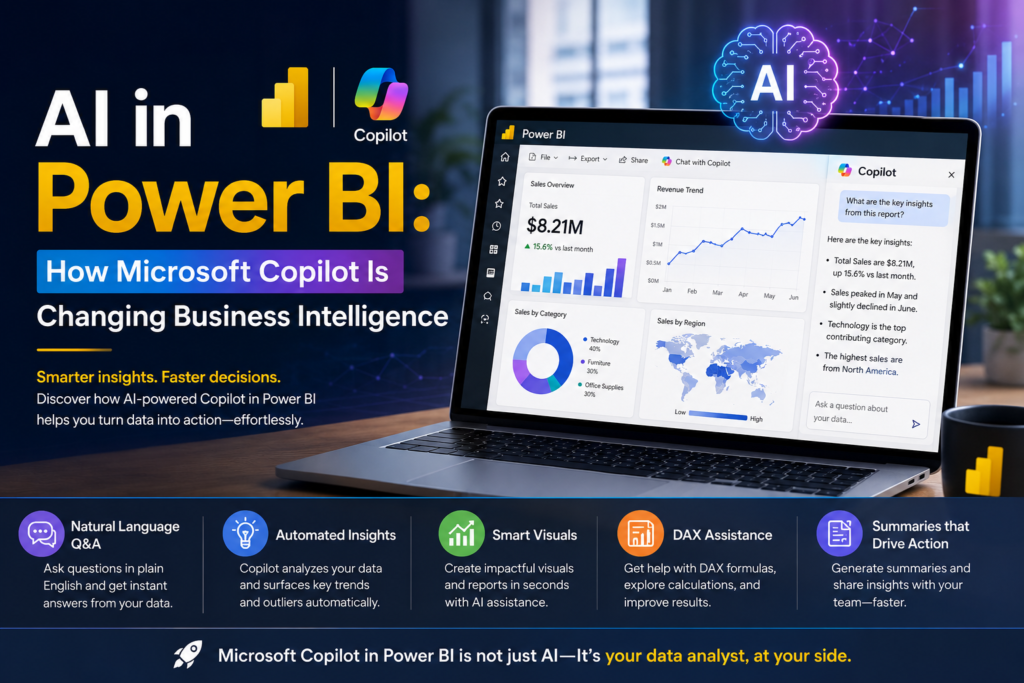
Microsoft Copilot in Power BI is changing the way Australian businesses build reports, analyse data and make decisions inside Power BI. Instead of manually dragging fields onto a canvas or writing complex DAX from scratch, teams can now describe what they want in plain English and let AI draft the first version. For businesses in Sydney, Melbourne, Brisbane, Perth, Adelaide and Canberra, this shift is lowering the barrier to entry for business intelligence while raising the bar for what skilled analysts are expected to deliver.
Thank you for reading this post, don't forget to subscribe!What Is Microsoft Copilot in Power BI?
Microsoft Copilot in Power BI is a generative AI assistant built into the Power BI service and Power BI Desktop. It uses large language models, connected through the Azure OpenAI Service, to help users create reports, write DAX measures, summarise visuals and answer questions about a dataset using natural language without needing to touch the underlying query language directly.
According to Microsoft’s own documentation, Copilot works over an organisation’s existing semantic model, meaning the AI-generated insights are grounded in the same governed data used across the business, not a generic public dataset.
How Microsoft Copilot in Power BI Works
Copilot in Power BI operates through a chat-style pane inside the report-building experience. A user can type a request such as “create a page summarising sales by region” and Copilot will:
- Analyse the connected semantic model and identify relevant tables and measures
- Draft report pages with suggested visuals, titles and layout
- Generate a written narrative summary explaining what a chart shows
- Suggest or explain DAX formulas when asked
- Answer follow-up questions about trends, outliers or comparisons in the data
The output is editable Copilot produces a starting point, and the analyst is still expected to review, refine and validate it before sharing a report with stakeholders.
Key Features of Copilot for Power BI Users
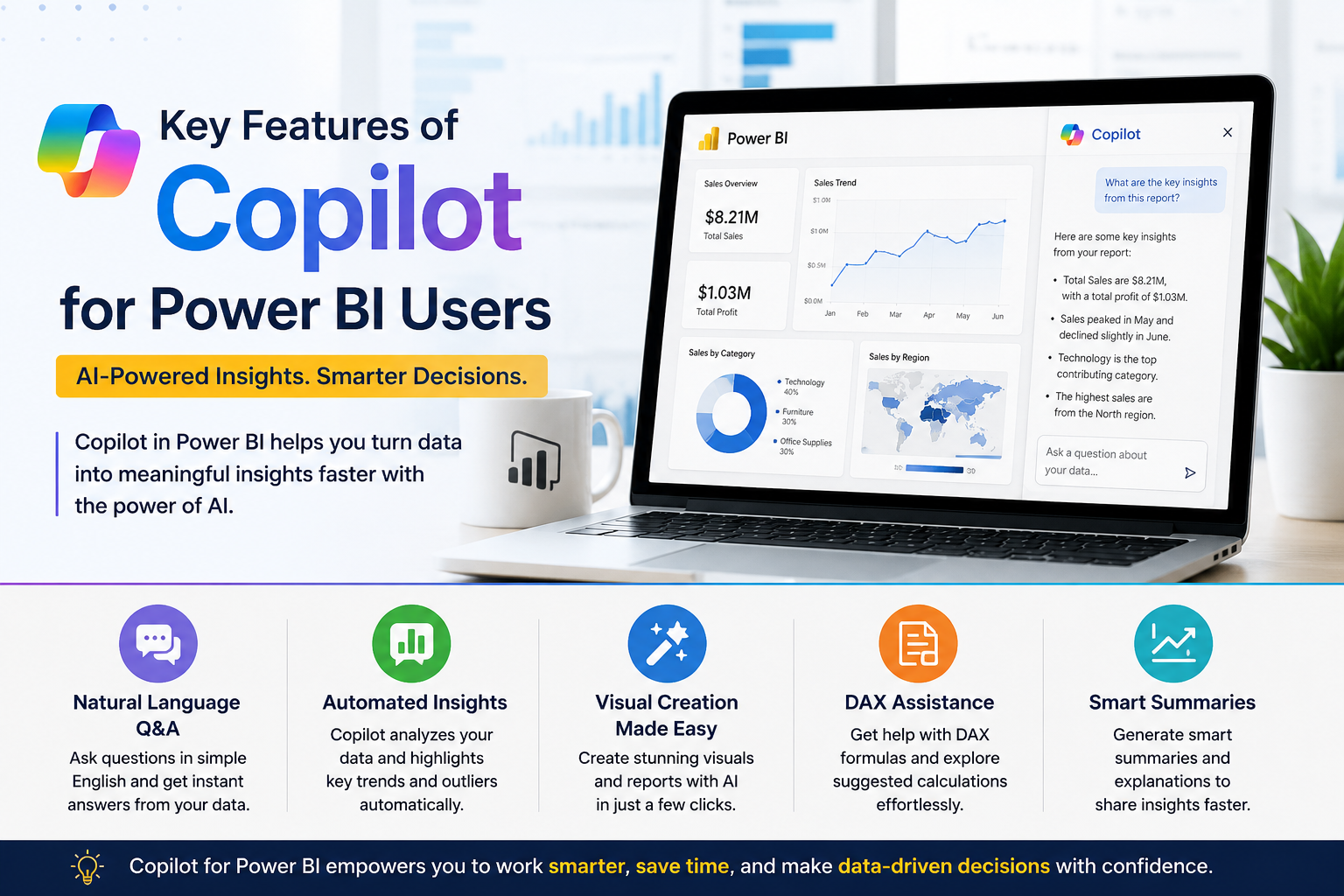
1. Natural-language report creation
Instead of building a report visual-by-visual, users can describe the outcome they want, and Copilot proposes a page layout using the correct fields from the model.
2. AI-generated narrative summaries
Copilot can turn a dense table or chart into a short written explanation, which is useful for executives who want the takeaway without reading every number.
3. DAX assistance
Copilot can suggest measures, explain what an existing DAX formula does, and help troubleshoot errors — a meaningful time-saver for analysts still building their DAX confidence.
4. Q&A over the semantic model
Users can ask questions like “which product category grew the fastest last quarter” and get a direct answer pulled from the underlying model.
Benefits for Australian Businesses
AI in Power BI is being adopted across Australian industries as organisations look to speed up reporting cycles and reduce the backlog on their business intelligence teams.
- Sydney — financial services and insurance teams using Copilot to speed up regulatory and board reporting
- Melbourne — retail and logistics businesses applying AI summaries to demand and inventory dashboards
- Brisbane — resources and government-adjacent teams using natural-language Q&A for operational data
- Perth — mining and energy companies layering AI insight generation onto existing Power BI models
- Adelaide — defence, health and manufacturing teams exploring Copilot for faster internal reporting
- Canberra — government departments cautiously trialling AI-assisted BI within data-governance guardrails
Analyst firm Gartner has highlighted generative AI as a top trend reshaping analytics and BI platforms, noting that AI-assisted tools are becoming a standard expectation rather than a differentiator across the industry.
Copilot vs Traditional Power BI Skills — Do You Still Need DAX?
A common question from learners is whether Copilot removes the need to learn Power BI fundamentals. The honest answer is no — Copilot changes how fast you build, not what you need to understand to build correctly.
| Task | Traditional Power BI | Microsoft Copilot in Power BI |
| Building a report | Manual drag-and-drop, hours of layout work | Describe the report in plain English, Copilot drafts pages in minutes |
| Writing DAX measures | Requires DAX syntax knowledge | Copilot suggests and explains DAX measures on request |
| Summarising data | Analyst writes commentary manually | Copilot generates narrative summaries of visuals automatically |
| Finding insights | Manual filtering and drill-down | Natural-language Q&A surfaces trends and outliers instantly |
| Skill barrier for beginners | Steep learning curve | Lower entry barrier, though core Power BI/DAX skills still matter |
Copilot is a productivity layer on top of Power BI, not a replacement for understanding data modelling, relationships and DAX logic. Analysts who understand the fundamentals are better placed to check Copilot’s output for accuracy before it reaches decision-makers.
How This Is Changing Business Intelligence Careers in Australia
As Microsoft Copilot in Power BI becomes more common in Australian workplaces, employers are increasingly looking for candidates who can combine core Power BI skills with comfort using AI features. This mirrors broader BI career trends covered in our Power BI career opportunities guide and Power BI salary breakdown for 2026.
For professionals weighing whether to specialise further in data roles, our data analytics courses cover the broader skill set from Power BI to SQL and data modelling that pairs well with AI-assisted BI tools.
Getting Started With AI-Powered Power BI
If your team is adopting Microsoft Copilot in Power BI, the fastest way to get value from it is to first be confident in core Power BI: data modelling, DAX, Power Query and report design. Logitrain’s Power BI training course is delivered by certified trainers across Australia, with options for learners in Sydney, Melbourne, Brisbane, Perth, Adelaide and Canberra, either in person or live online.
For teams also working across the Microsoft data stack, Logitrain’s Azure certification training and full course catalogue at logitrain.com.au cover the complementary skills that support AI-driven analytics environments such as Microsoft Fabric.
Frequently Asked Questions
Is Microsoft Copilot in Power BI free to use?
Copilot features in Power BI are included with a Power BI Premium capacity or Fabric F64+ SKU, and Copilot Pro licensing may be required for some Microsoft 365 integrations — pricing details are confirmed directly through Microsoft.
Does Copilot replace the need to learn Power BI or DAX?
No. Copilot speeds up report building and explains formulas, but understanding data modelling, DAX and Power Query is still essential for validating and troubleshooting what Copilot generates.
Which Power BI licence do I need for Copilot?
Copilot in Power BI generally requires a Power BI Premium capacity (P SKU) or a Microsoft Fabric capacity (F64 or higher), alongside a Power BI Pro or Premium Per User licence.
Is Microsoft Copilot in Power BI available in Australia?
Yes. Microsoft has rolled out Copilot in Power BI across Australian tenants, including workplaces in Sydney, Melbourne, Brisbane, Perth, Adelaide and Canberra, subject to tenant and licensing settings.
Will AI in Power BI reduce demand for BI analysts in Australia?
Industry data suggests AI is reshaping the role rather than removing it analysts who combine Power BI, DAX and AI-prompting skills are positioned as more valuable, not less.
Conclusion
Microsoft Copilot in Power BI is not replacing business intelligence professionals it is changing what a strong Power BI skill set looks like. Analysts across Australia who pair solid Power BI and DAX fundamentals with confident use of Copilot’s AI features are best placed to benefit from this shift.