




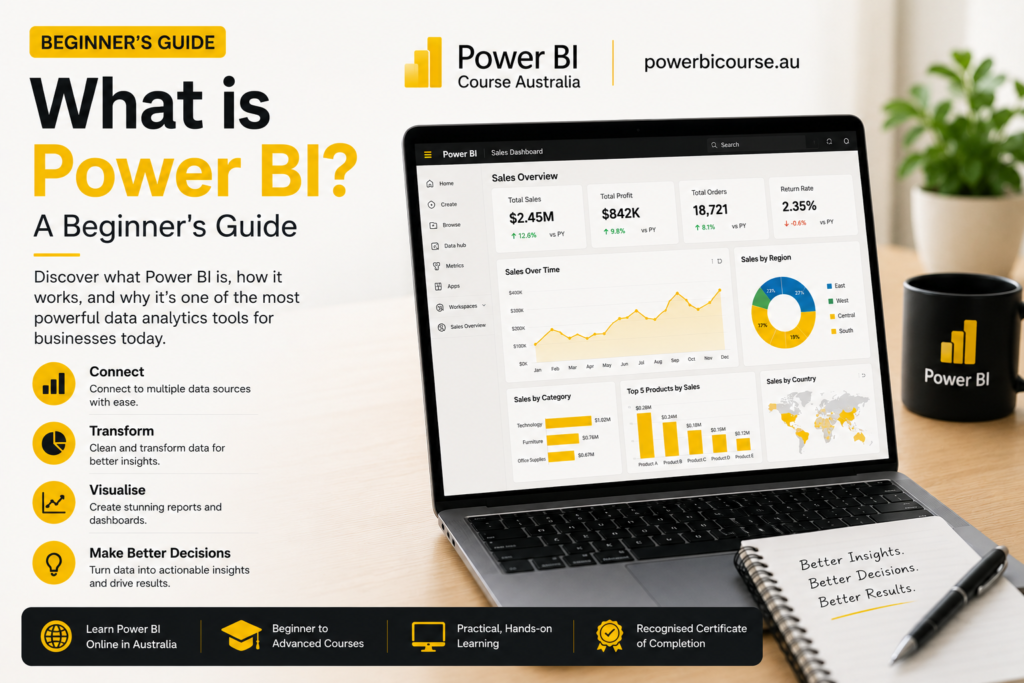
If you have been hearing the term Power BI Course come up in meetings or job ads and you are not entirely sure what it means, you are in good company. Power BI Course has become one of the most talked about tools in Australian workplaces over the past few years, and for good reason. It has changed the way organisations make sense of their data, and it has opened up a whole new category of career opportunities for IT professionals and data analysts alike.
Thank you for reading this post, don't forget to subscribe!This guide covers everything you need to know before enrolling in a Power BI course: what it is, how it works, who uses it, and how to get started in 2026.
What is Power BI and How Does It Work
Power BI is a business intelligence platform developed by Microsoft. It gives people the ability to connect to data from almost any source, transform that data into something readable, and then share it through interactive reports and dashboards. The idea is that you should not need to be a software developer to understand what is happening in your organisation’s data.
At its core, Power BI works in three stages. First, you connect to your data, whether that is an Excel spreadsheet, a SQL database, a cloud service like Salesforce, or hundreds of other sources. Second, you shape and model that data using Power Query and DAX (Data Analysis Expressions), which are built-in tools that help you clean, organise and calculate what you need. Third, you build visuals, charts, graphs and dashboards that make the information easy to understand and act on.
Power BI is available as a free desktop application called Power BI Desktop, and as a cloud-based sharing service called Power BI Service (part of Microsoft 365). There is also Power BI Mobile for viewing reports on the go. Most people learning Power BI for professional purposes start with the desktop version and then progress to the cloud service once they are comfortable with the basics.
Key Features of Power BI for Beginners
One of the reasons a Power BI course is so popular right now is that the platform packs an enormous amount of capability into a relatively accessible interface. You do not need to know how to code to use it, though having some understanding of formulas and data structures helps.
Power BI Tools: Power Query, DAX, and Dashboards
Power Query is the data transformation engine inside Power BI. Think of it as a very powerful version of Excel’s data cleaning capabilities. You can use it to remove duplicates, reshape tables, merge datasets, and filter information before it ever reaches your report.
DAX stands for Data Analysis Expressions. It is a formula language used to create calculated columns and measures in Power BI. If you have used formulas in Excel, DAX will feel somewhat familiar, though it has its own logic and syntax that takes a bit of time to learn properly.
Dashboards are the final output of all this work. In Power BI, a dashboard is a single page that pins the most important visuals from one or more reports. They are designed to give decision-makers a quick, real-time view of what matters most in the business.
Other key features worth knowing about include natural language querying (you can ask questions about your data in plain English), row-level security (you can control who sees what data), and scheduled data refresh (your reports update automatically without anyone having to do it manually).
Benefits of Using Power BI in 2026
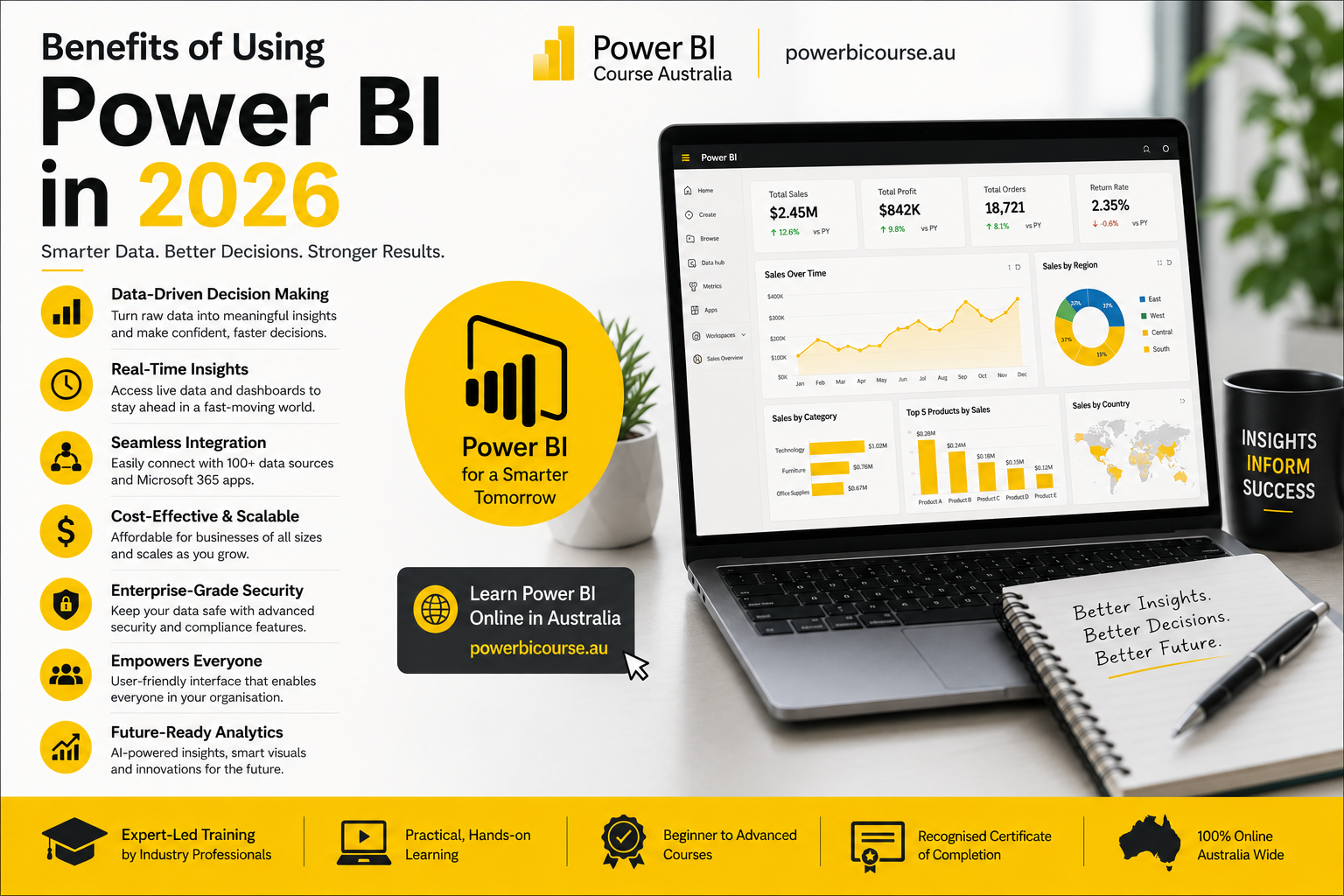
The main reason organisations keep investing in Power BI training is simple: it saves time and improves decisions. Before tools like Power BI existed, pulling together a management report often meant hours of manual work in spreadsheets. Now that same report can update itself automatically and be shared with an entire team in seconds.
For individuals, completing a Power BI course opens doors. Data literacy is one of the most in-demand skills across every industry right now. Whether you work in finance, healthcare, logistics, retail or government, there are organisations looking for people who can turn raw data into clear insights.
Microsoft itself publishes data showing Power BI has over five million paying customers globally, and its user base continues to grow. You can read more about Microsoft’s business intelligence offering at Microsoft Power BI’s official site.
Other benefits include the fact that Power BI integrates deeply with tools most Australian workplaces already use, including Excel, Teams, SharePoint, and Azure. There is no steep migration cost to get started, which is one reason so many organisations have adopted it quickly.
Power BI vs Excel: Which is Better for Data Analysis
This is one of the most common questions that comes up when people are thinking about signing up for a Power BI course. The honest answer is that they are different tools built for different situations, and the best professionals know how to use both.
Excel is a general-purpose spreadsheet tool. It is brilliant for ad hoc calculations, simple analysis, and building models that one or two people work with. It has been around for decades and almost everyone in an office environment knows how to use it at some level.
Power BI is built specifically for data visualisation and reporting at scale. Where Excel starts to struggle with large datasets, Power BI handles millions of rows without breaking a sweat. Where Excel requires manual refreshing and can become unwieldy when shared, Power BI automates the refresh and makes sharing easy.
A good way to think about it: use Excel when you need to build a model or do calculations that require formula flexibility. Use Power BI when you need to report on large volumes of data, build dashboards for multiple stakeholders, or create something that will be used ongoing rather than once.
Many data professionals use both on a regular basis. Excel might feed data into Power BI, or Power BI might be used to present data that was first built out in Excel. They complement each other rather than replace each other.
Who Should Learn Power BI in Australia
A Power BI course in Australia is relevant to a much wider group of people than most realise. The obvious candidates are data analysts and business intelligence professionals, but the reach goes well beyond that.
Finance professionals who currently spend hours building reports in Excel will find Power BI cuts that work down dramatically. HR managers who need to track workforce metrics, project managers who want clearer visibility on timelines and budgets, marketing teams who need to understand campaign performance, and operations managers tracking supply chain data, they all have genuine use cases for Power BI.
IT professionals who already work with Microsoft technologies will find Power BI a natural addition to their skill set. If you work with Azure, Microsoft 365, or SQL Server, Power BI fits directly into that ecosystem.
Career changers looking to move into data analytics or business intelligence will find a Power BI course one of the most practical investments they can make. The PL-300 certification (Microsoft Power BI Data Analyst) is widely recognised by employers and gives your resume genuine credibility.
If you are based in Sydney, Melbourne, Brisbane or Perth and looking at options, Logitrain offers Power BI training across Australia with flexible delivery options including classroom and online.
Power BI Career Opportunities in Australia
The job market for Power BI skills in Australia has grown significantly over the past three years. A quick look at any major job board will show hundreds of roles listing Power BI as either a required or preferred skill, across industries as varied as banking, mining, government, retail and professional services.
Common job titles associated with Power BI skills include Business Intelligence Analyst, Data Analyst, Reporting Analyst, BI Developer, and Data Engineer. Senior roles often carry titles like BI Manager or Head of Analytics.
According to Seek’s salary data for data analysts in Australia, salaries for experienced data analysts typically range from $90,000 to $140,000 depending on industry and seniority. Power BI is consistently listed as one of the top tools in job advertisements for these roles.
In cities like Sydney and Melbourne, demand is highest in financial services and consulting. Brisbane and Perth have seen strong demand from the resources sector and state government. Adelaide has growing demand from defence and health. Across the board, organisations are looking for people who can not just run the tool but interpret what the data is saying and present it meaningfully.
How to Learn Power BI Step-by-Step
The most effective way to learn Power BI depends on your starting point and your goals. If you need a credential for your career, a structured Power BI course that prepares you for the PL-300 exam is the most efficient path. If you are exploring to see whether it suits your role, starting with free resources and building small projects makes sense.
Power BI for Beginners: Key Concepts Explained
Before jumping into a course, it helps to understand a few foundational concepts. Data modelling is the process of defining how different tables of data relate to each other. A strong data model is the foundation of every good Power BI report. Relationships, hierarchies and calculated tables are all part of this.
Visualisation design matters more than people expect. Choosing the right chart for the right data type, keeping dashboards uncluttered, and making sure colour and layout serve comprehension rather than decoration, these are skills that good Power BI training will cover alongside the technical side.
Power BI Certification (PL-300) Overview
The Microsoft Power BI Data Analyst certification, known as PL-300, is the primary vendor credential for Power BI professionals. It tests your ability to prepare data, model data, visualise and analyse data, and deploy and maintain assets in Power BI Service.
Microsoft provides official learning paths for PL-300 on Microsoft Learn, which can be a useful supplement to formal training.
Passing PL-300 signals to employers that you have been tested against a real standard, not just self-reported your skills. For anyone serious about a career in data analytics, it is a worthwhile investment.
Free Resources to Practice Power BI
Microsoft offers Power BI Desktop as a free download, which means you can start practising immediately without any cost. The Microsoft Learn platform also has free guided modules on Power BI that walk you through the basics step by step.
The Power BI Community forums are an excellent resource for getting answers to specific questions and seeing how other practitioners solve problems. They are active, well-moderated, and genuinely useful.
Practice with real data whenever possible. Many public datasets are freely available from the Australian Bureau of Statistics and data.gov.au, and building reports from real data will teach you things no tutorial can.
Power BI Use Cases in Business (Real Examples)
Understanding the practical applications of Power BI makes it much easier to see why a Power BI course is worth doing. Here are some examples from industries where the tool is making a tangible difference.
In financial services, banks and superannuation funds use Power BI to build real-time risk dashboards. Instead of waiting for end-of-day reports, risk managers can see exposure data updating throughout the day and act faster when something looks unusual.
In retail, chains use Power BI to monitor sales performance by store, by product category, and by time period, all in one place. Store managers in different cities can log in and see their own data without seeing anyone else’s, thanks to row-level security.
In healthcare, hospital networks use Power BI to track bed occupancy, patient wait times, and staff allocation across multiple facilities. Reports that previously took a team days to prepare are now automated and available every morning.
In government, state agencies use Power BI to report on program outcomes to ministers and stakeholders. The ability to build polished, interactive reports without IT involvement has saved significant time and improved transparency.
Industries Using Power BI in Australia (Sydney, Melbourne, Perth)
In Sydney, Power BI adoption is particularly strong in financial services, consulting, and the technology sector. In Melbourne, it is widely used in retail, manufacturing, and professional services. In Perth, the mining and resources sector has been a significant driver of demand, with companies using Power BI to monitor operational performance across remote sites. Brisbane has seen growing adoption in construction, health and government. Adelaide has strong use in defence and life sciences.
Power BI Training in Sydney
Sydney is the largest market for Power BI training in Australia, with demand coming from financial services, consulting firms, and technology companies across the CBD and surrounds. A Power BI course in Sydney gives you the opportunity to study in a classroom environment with a qualified instructor, ask questions in real time, and work through practical exercises with people from similar professional backgrounds.
Logitrain delivers Power BI training in Sydney regularly. You can view upcoming dates and enrol at logitrain.com.au.
Power BI Course in Melbourne
Melbourne has a large and growing data analytics community, and Power BI skills are in consistent demand across industries including retail, logistics, financial services and the public sector. A Power BI course in Melbourne is a practical investment whether you are looking to move into analytics or build on an existing technical skill set.
Learn Power BI in Brisbane and Perth
In Brisbane, demand for Power BI training is being driven by infrastructure projects, government, and health sector growth. In Perth, the resources and mining sector has created a strong need for professionals who can report on complex operational data clearly. Both cities have access to Logitrain’s instructor-led Power BI training, either in person or online.
Online delivery means that if you are located anywhere in Australia, including regional areas outside the major cities, you can access the same quality training as someone sitting in a Sydney classroom.
FAQs About Power BI
Is Power BI easy for beginners to learn?
Power BI has a relatively gentle learning curve for the basics. If you are comfortable with Excel, you will find the core data connection and visualisation features fairly intuitive to pick up. The more advanced features, particularly DAX formulas and data modelling, do require more time and practice. Most people can build a useful report within a day or two of starting out, which makes it one of the more accessible business intelligence tools available.
How long does it take to learn Power BI?
A structured Power BI course preparing you for the PL-300 certification typically takes two to four days of instructor-led training. To become genuinely proficient, including writing complex DAX and building well-designed data models, most people need a few months of regular practice on real projects. The good news is that you can start producing useful work very quickly, even before you reach that advanced level.
Is Power BI in demand in Australia?
Yes, consistently and increasingly so. Power BI appears in a large proportion of data analyst and business intelligence job advertisements in Australia. The shift toward data-driven decision making across the public and private sectors has created sustained demand for people with Power BI skills, and that demand shows no sign of slowing.
Do you need coding skills for Power BI?
You do not need to be a developer to use Power BI effectively. The interface is designed for business users and most common tasks can be completed without writing any code. That said, learning DAX will significantly expand what you can do with the tool, and some advanced integrations with Python or R are possible for users who want to go further. A good Power BI course will introduce you to DAX without assuming any prior programming experience.
Ready to Start Your Power BI Course?
Whether you are brand new to data analytics or looking to formalise skills you have already been building, a structured Power BI course is one of the most practical steps you can take in 2026. You will gain hands-on experience with real tools, work toward a recognised Microsoft certification, and build skills that are in demand right across Australia.
Logitrain offers Power BI training in Sydney, Melbourne, Brisbane, Perth and Adelaide, as well as online for learners across the country. Visit logitrain.com.au to see upcoming course dates, talk to one of our training advisors, or enquire about corporate group bookings for your team.